The tool your productivity didn't ask for, but your inner karaoke needs.
Floating, synchronized lyrics for Spotify, YouTube Music & Apple Music
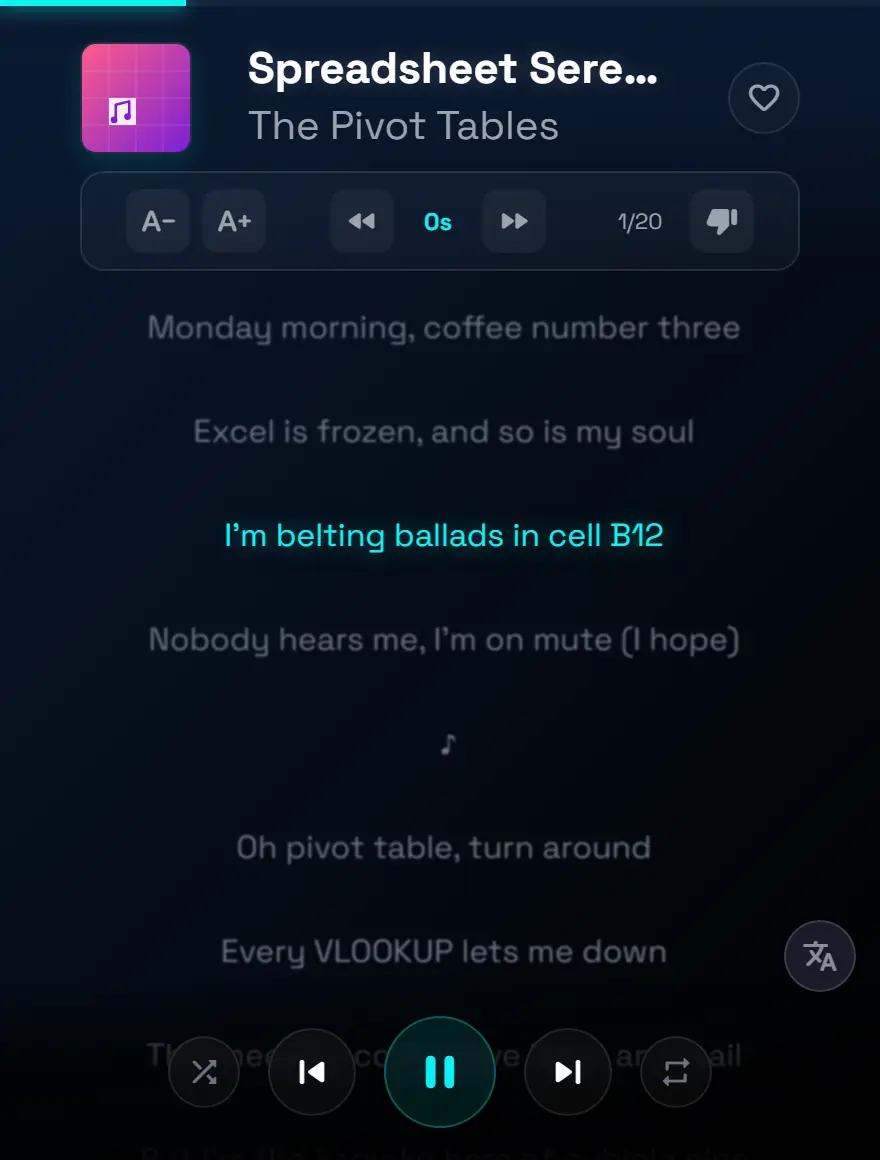
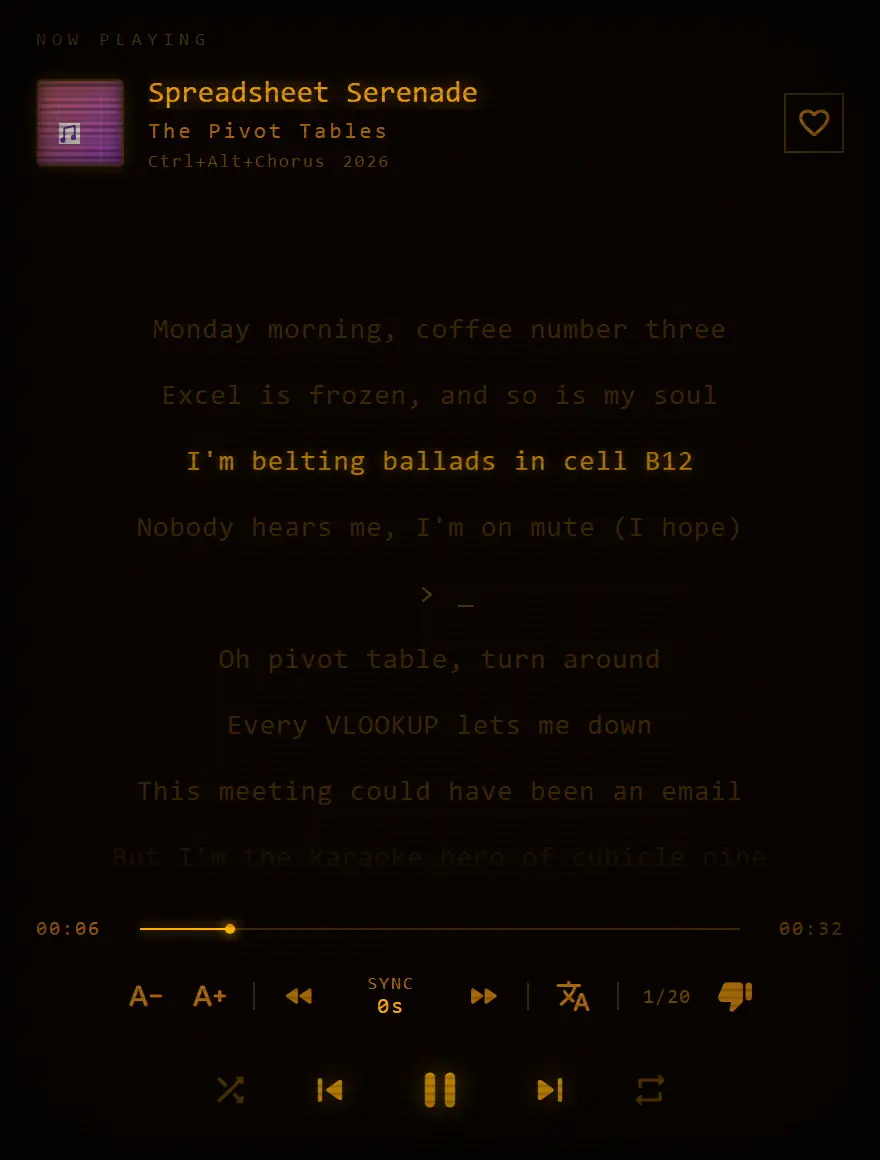
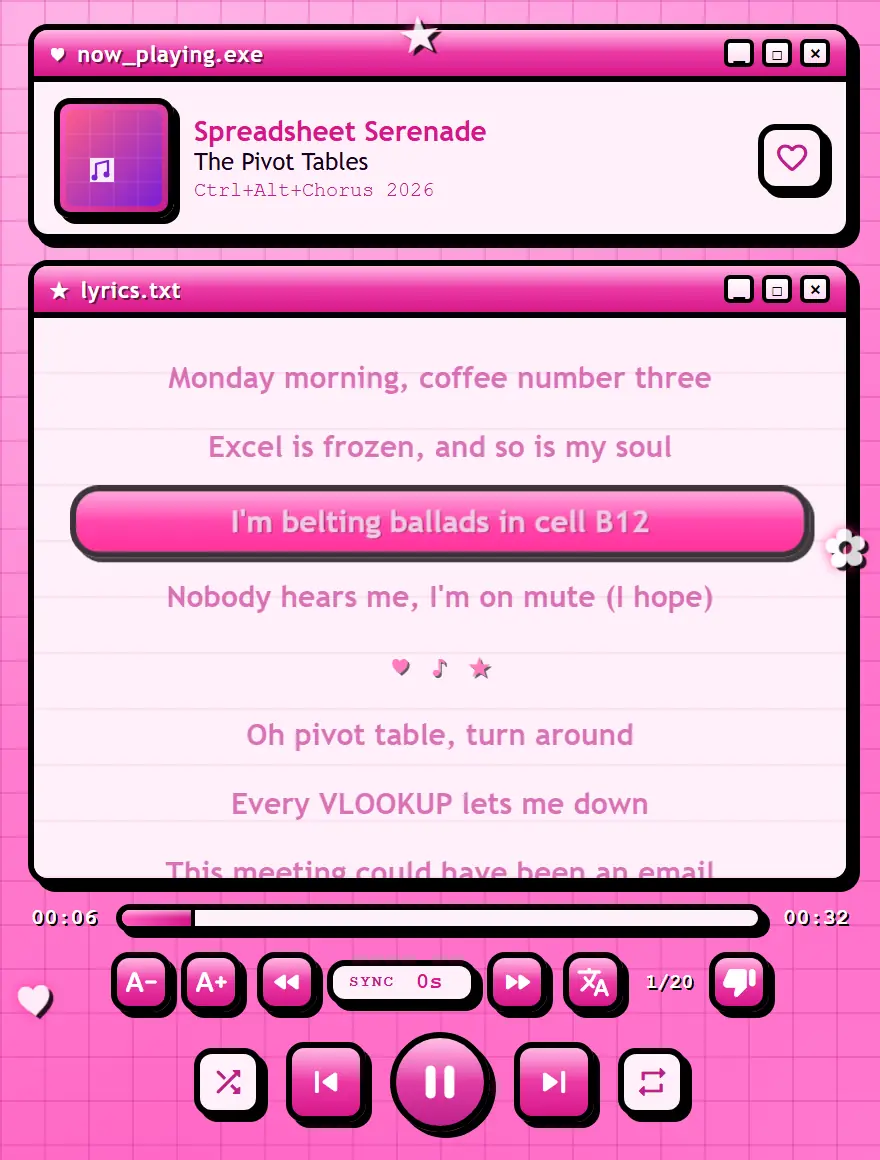
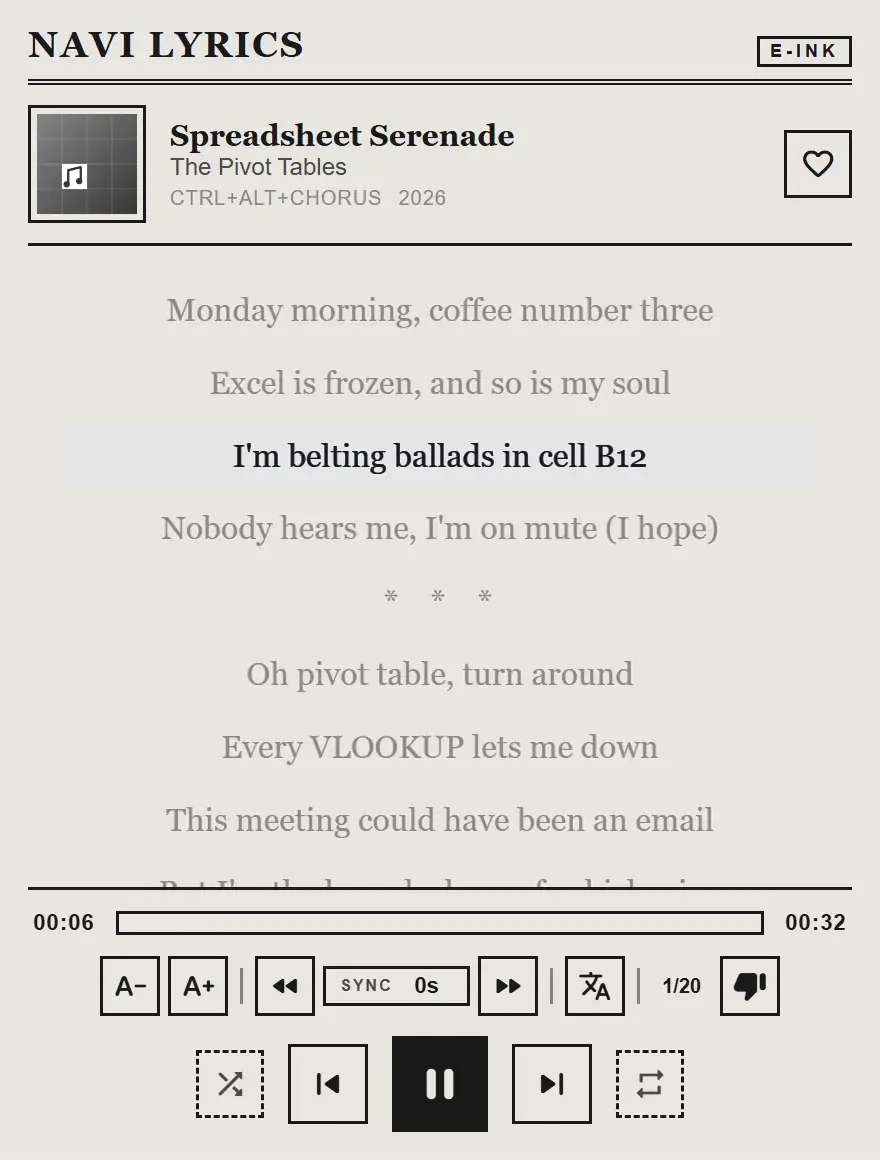
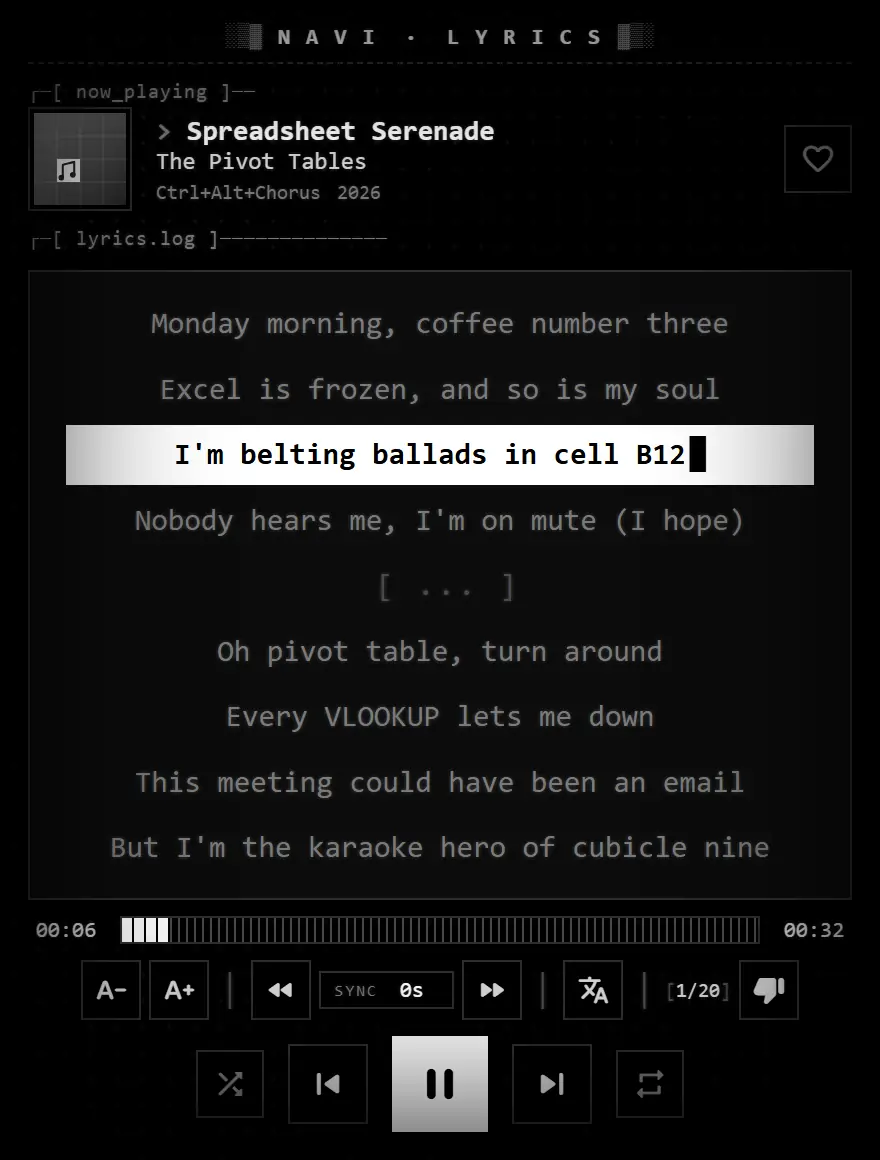

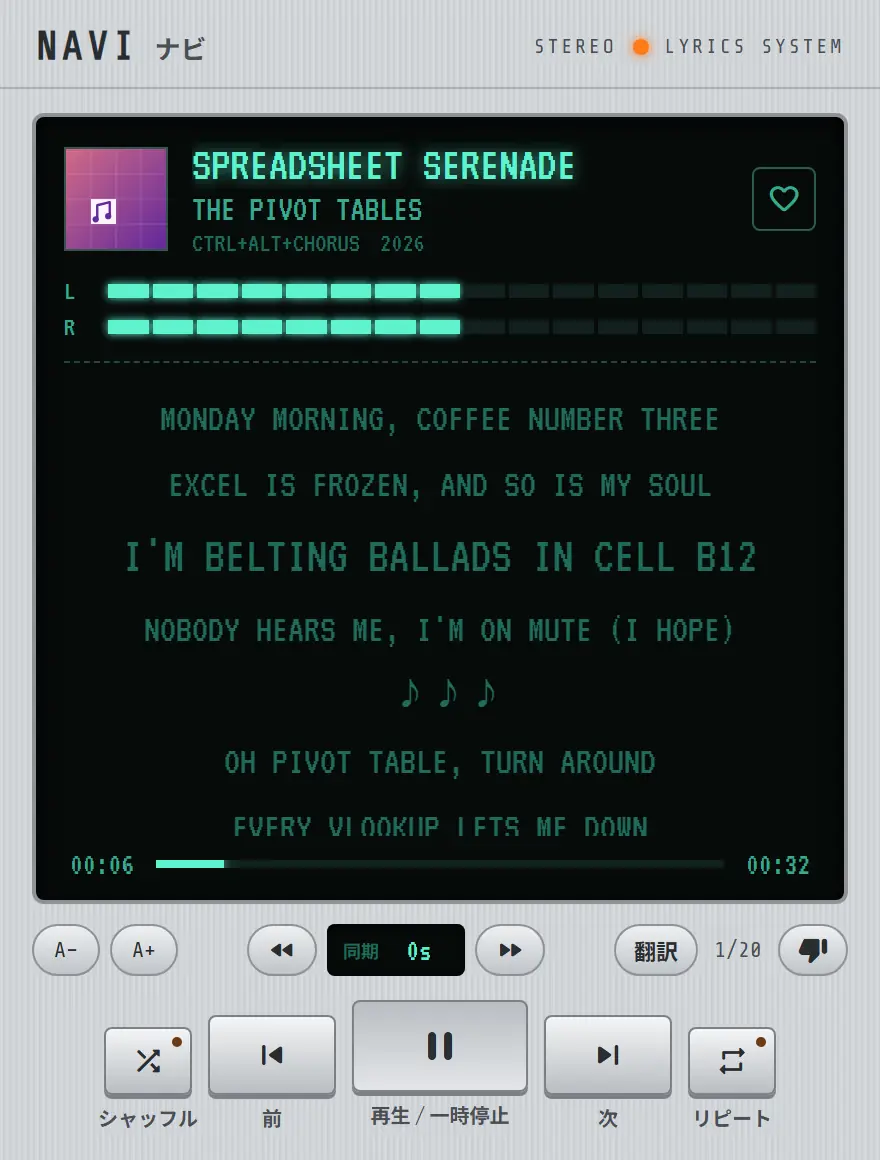
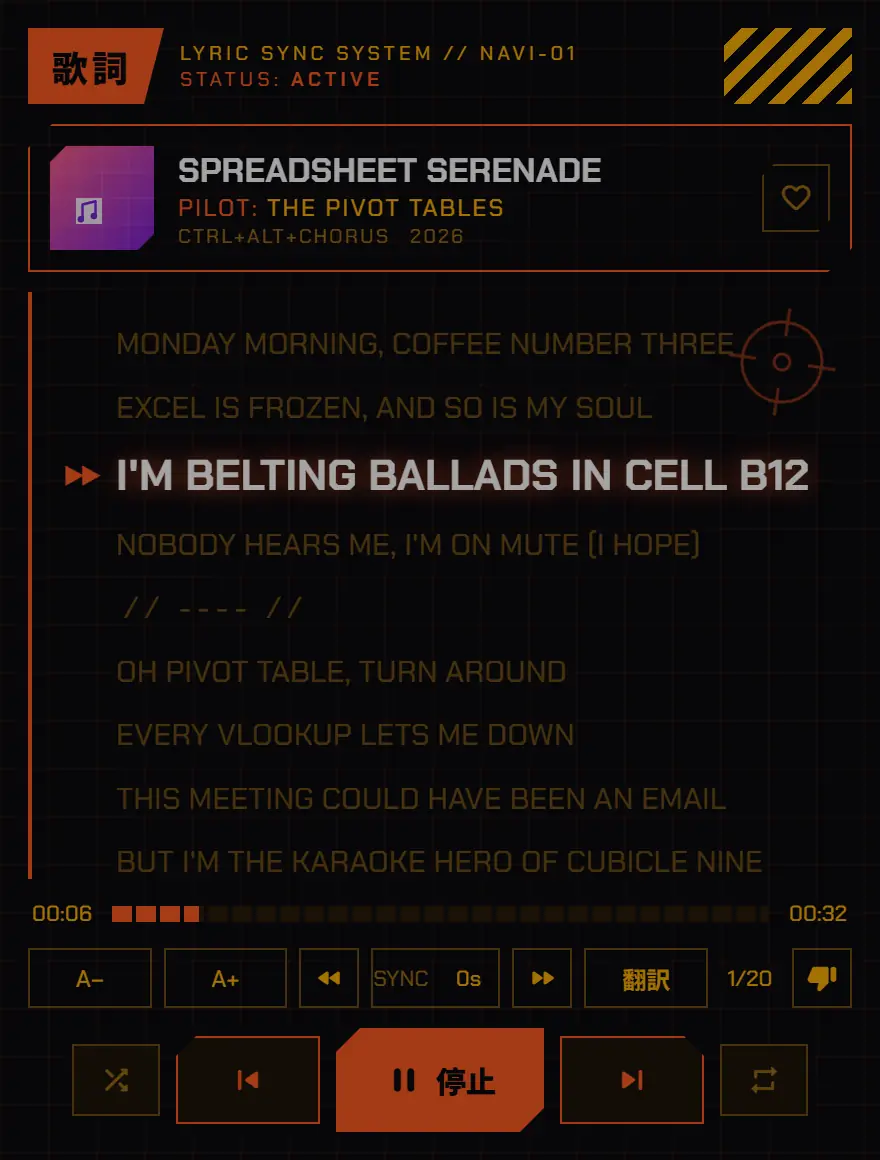
Skin: Navi
Free · No account · Chrome, Edge, Brave & Opera
Free · for Chrome, Edge, Brave & Opera on desktop
Specs & Capabilities
Engineered to sit quietly in the corner until the chorus hits.
Always on Top
Uses native Picture-in-Picture technology to float above your Excel sheets, study notes, or endless browser tabs. Multitask without missing a lyric.
Perfect Sync
Whether you're hitting high notes or learning a fast rap, Navi syncs perfectly with YouTube Music, Spotify and Apple Music in real-time. Never miss a beat.
Smart Cache
Lyrics are cached locally with smart LRU eviction. Save bandwidth and keep singing even if your connection drops on your commute.
Multi-Platform
Works seamlessly on YouTube Music, Spotify and Apple Music. One extension, three platforms, all your lyrics.
Ad Detection
Detects when ads are playing and shows a friendly fairy animation instead of broken lyrics. Resumes automatically when the music is back.
Multi-Language UI
Full interface available in English and Spanish. The extension adapts to your browser language automatically.
Themes & Skins
Seven color themes (Navi Cyan, Spotify, Apple Music, AMOLED, Sunset, Forest, Bubblegum), an Adaptive theme drawn from your album art, and seven retro skins — CRT Amber, Y2K, E-Ink, ASCII, Arcade, Hi-fi 80s and Anime Mecha. Make the window yours.
Lyric Translation
Translate any lyric in real time into 12 languages — Korean, Japanese, Chinese, Arabic, Hindi and more — right inside the floating window.
What's Brewing
The master plan for world domination (via karaoke).
Phase 1: Launch
Core PiP functionality, YouTube Music integration, synced lyrics, smart cache, and playback controls.
Phase 2: Expansion
Spotify Web support, ad detection with fairy animation, multi-language UI (EN/ES), local fonts, and LRU cache eviction.
Phase 3: Translation
Real-time lyric translations across 13 languages (Korean, Japanese, Chinese, Arabic, Hindi and more) with smart caching. Shipped in v1.3.0.
Phase 4: Customization
Seven color themes plus an adaptive theme from your album art, five retro skins (CRT Amber, Y2K, E-Ink, ASCII, Arcade), keyboard shortcuts inside the PiP, and major performance work. Shipped in v1.5.0.
Phase 5: Beyond
Apple Music support shipped in v1.6.0. Tidal and community-requested features are next.
Phase 6: More Control
Like, shuffle and repeat from the floating window, a clickable time bar to jump anywhere in the song, a page shortcut (Alt+Shift+L) to open the lyrics, and two new skins: Hi-fi 80s and Anime Mecha. Shipped in v1.7.0.
Phase 7: Skin Market
A gallery on this site to download only the skins you like and import them into the extension. Later, open to the community so anyone can publish their own.
Frequently Asked Questions
Does Navi Lyrics work with Spotify?
Yes. Navi Lyrics works with the Spotify web player (open.spotify.com) and shows its synchronized lyrics in a floating window. The Spotify desktop app is not supported, because Chrome extensions only run inside the browser.
Does Navi Lyrics work with YouTube Music?
Yes. Open music.youtube.com in Chrome, play a song and Navi shows its lyrics line by line in the floating window.
Does Navi Lyrics work with Apple Music?
Yes. Since version 1.6.0, Navi Lyrics supports the Apple Music web player at music.apple.com.
Can the lyrics stay on top of other apps?
Yes. Navi opens the lyrics in Chrome's Document Picture-in-Picture window, which floats above your other windows, even outside the browser. You can move and resize it anywhere on your screen.
Which browsers are supported?
Up-to-date Chrome, Microsoft Edge and Brave. Opera works after enabling the flag opera://flags/#new-auto-pip-for-documents. Firefox is not supported yet.
Can Navi Lyrics translate song lyrics?
Yes. Press the translate button and each line shows its translation underneath, in real time. You can translate into 12 languages: English, Spanish, Portuguese, French, German, Italian, Russian, Japanese, Korean, Chinese, Arabic and Hindi.
Where do the lyrics come from? What if they are wrong?
Lyrics come from LRCLIB, a free, community-built lyrics database. If a song shows the wrong lyrics, press the thumbs-down button and Navi switches to the next available version.
Is Navi Lyrics free? Does it collect my data?
Navi Lyrics is free and needs no account. It does not collect personal data: your settings and cached lyrics are stored locally in your browser.
Step-by-step guides: Spotify · YouTube Music · Apple Music